
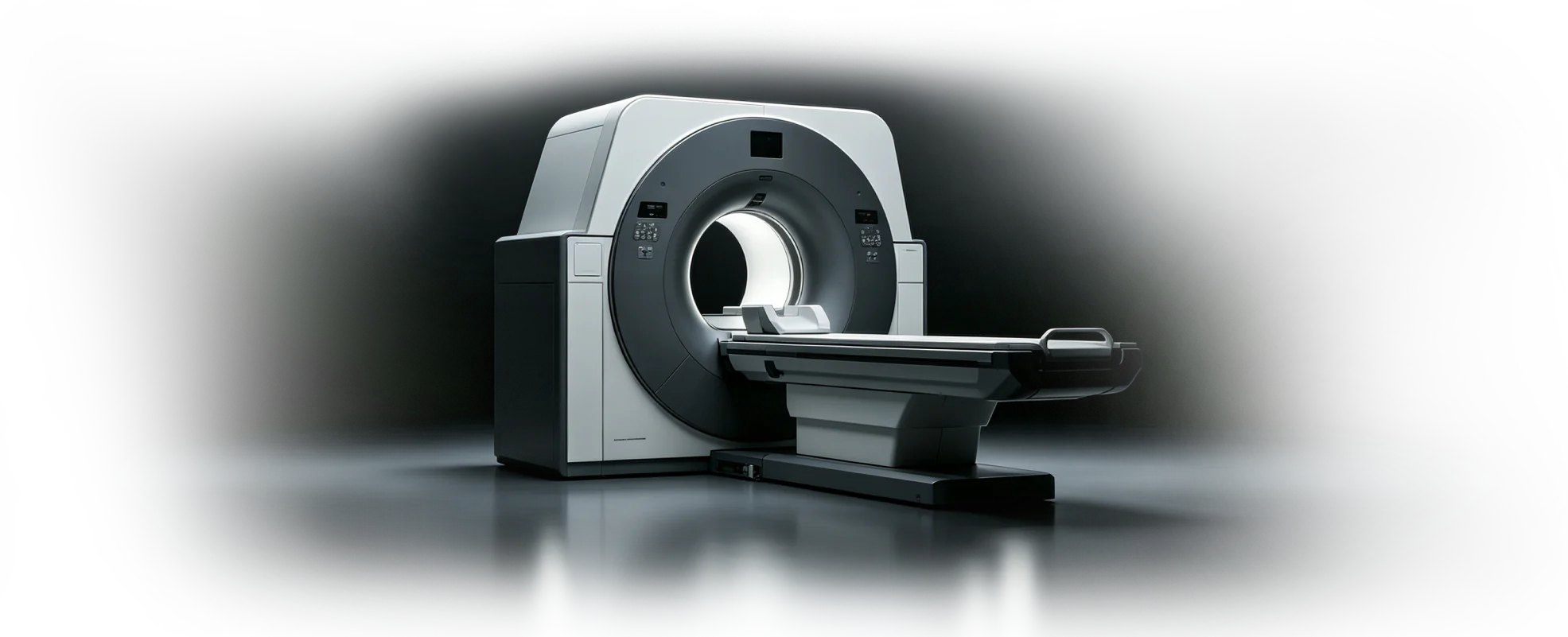
Parametric device and laboratory equipment design
Medical device design software
Keep the working device model understandable as requirements, precision mechanisms, service access, review decisions, supplier questions, and documentation evolve around it.
zCAD Online supports medical device and laboratory equipment design with editable parametric geometry, assemblies, browser review, version history, permissions, and model-linked drawings.
Medical device design needs traceable context across engineering and quality.
Medical and laboratory equipment combines precise mechanical work with service access, documentation, controlled review, and external manufacturing communication.
Engineering pressures
Design control
Requirements, geometry, review feedback, and released documentation need an understandable relationship.
Serviceable structures
Enclosures and internal mechanisms must account for assembly, inspection, cleaning, and maintenance access.
Supplier quality context
External partners need the current model and drawing information to discuss fit and manufacturing questions.
Connect precision device CAD to controlled review and documentation.
Develop enclosures, components, lab equipment, and prototype data while preserving a clearer path from working model to documentation.
Devices and laboratory equipment
Develop enclosures, mechanisms, precision parts, fixtures, and serviceable product structures as editable CAD.
Requirements and design-change context
Keep versions, review decisions, drawings, and product information connected to the current mechanical design state.
Engineering, quality, and supplier review
Give permitted internal and external specialists a shared 3D context for verification and manufacturing discussions.
Model-linked technical documentation
Create engineering drawings and supported delivery files from the reviewed model while retaining the editable source.
Build traceable review into the medical device design workflow.
A shared design line helps engineering, quality, and suppliers review the same product definition before release.
Frame the device requirements
Capture the intended use, interfaces, access, mechanism, and manufacturing constraints.
Develop the mechanical design
Create enclosures, internal structures, precision parts, and the working assembly.
Review and document
Inspect the current model with engineering and quality, then prepare connected drawings.
Prototype and communicate
Export supported data for prototype or supplier workflows while preserving the editable source.
Project inputs
- Device requirements and interfaces
- Assembly and service needs
- Quality and supplier review context
Expected outputs
- Editable device geometry
- A clear reviewable assembly
- Connected drawings and prototype exports
Teams involved
- Device engineering
- Quality and verification
- Manufacturing partners
Connected workflows
Create and Configure CAD
Create editable parametric CAD from requirements, existing geometry, or a blank project—then configure parts, assemblies, and product variants from one reusable design definition.
Review and Collaborate
Review multi-format CAD in the browser and keep engineers, suppliers, clients, and manufacturing teams aligned around the same current 3D design.
Manage Data and Change
Keep CAD projects, versions, permissions, reviews, and design changes connected to the current cloud model.
Document and Deliver
Turn approved 3D product data into model-linked drawings and supported engineering delivery formats.
Product
zCAD Online
Cloud-native 3D CAD software for parametric parts, large assemblies, engineering drawings, and real-time design collaboration in your browser.
Frequently asked questions
What is medical device design software used for?
Medical device design software supports the mechanical definition of enclosures, precision components, mechanisms, fixtures, serviceable structures, complete assemblies, and engineering drawings. It should keep the working geometry understandable as requirements and reviews evolve.
Can laboratory equipment design software use the same parametric workflow?
Yes. zCAD Online supports parametric parts, assemblies, specialized geometry, browser review, versions, permissions, and model-linked drawings for mechanical equipment. The team should validate required formats, geometry, documentation, and quality processes with a representative project.
How does medical device CAD software support shared review?
Medical device CAD software can give permitted participants one current browser-based assembly to inspect, measure, and discuss in context. Version history and model-linked documentation help identify the design state under review, but they do not replace the company quality system.
Does zCAD provide medical-device compliance or design approval?
No. zCAD provides CAD, collaboration, version, permission, and drawing capabilities. The responsible organization remains accountable for intended use, risk management, verification, validation, traceability, cybersecurity, quality procedures, regulatory submissions, and final approval.
How should a medical-device team evaluate CAD fit?
Use a controlled representative assembly to verify required modeling depth, drawing behavior, file exchange, access roles, review records, and downstream documentation. Confirm how zCAD fits the existing quality and product-development process before adoption.
Make the device model easier to review and deliver.
Keep precision components, enclosures, documentation, and supplier communication connected to the working design.
Ready when the project is
Start with the workflow your team can verify.
Open zCAD Online in the browser, or talk with zCAD.ai about the industry workflow on this page.