
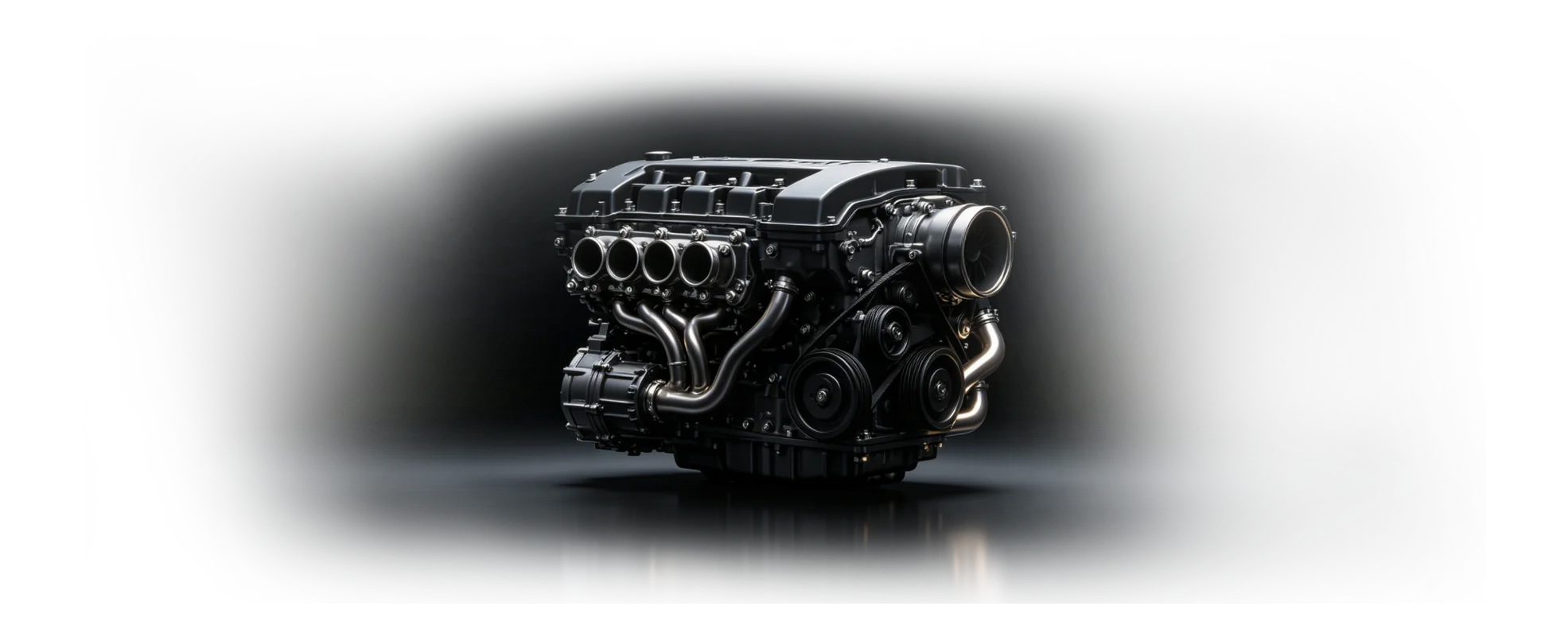
From one-off equipment to reusable engineering systems
CAD software for mechanical engineering
Build the machine once as a system of editable intent—then carry proven structures, interfaces, parts, and drawings into the next customer configuration.
zCAD Online gives mechanical engineering teams browser-based parametric CAD for industrial equipment, machined parts, sheet metal, weldments, tooling, assemblies, review, and drawings.
Machine builders lose margin when every project starts from zero.
Machine builders balance one-off requirements with the need to reuse proven structures, communicate changes, and release clear fabrication information.
Engineering pressures
High project variation
Every customer or installation changes dimensions, interfaces, guards, tooling, or surrounding equipment.
Mixed fabrication work
Machined parts, sheet metal, weldments, and purchased components must work as one assembly.
Delivery knowledge is scattered
Drawings, assembly guidance, and review decisions can diverge from the model used by engineering.
Connect configurable machine design, fabrication, and documentation.
Keep configurable geometry, fabricated structures, tooling, and manufacturing documentation close to the same product definition.
Custom and configurable equipment
Capture repeated machine architectures and adapt dimensions, options, interfaces, and project requirements with parameters.
Parts, fabrication, and assemblies
Develop machined parts, sheet metal, weldments, guards, frames, tooling, fixtures, and the complete equipment assembly.
Standard parts and design reuse
Keep proven components, controlled dimensions, and reusable subassemblies available before creating more custom geometry.
Review, drawings, and delivery
Review the complete machine in the browser and prepare model-linked manufacturing drawings and supported exchange files.
Turn one machine project into a reusable engineering workflow.
The most practical rollout connects design and review first, then adds controlled documentation and downstream guidance.
Frame the requirement
Capture the customer envelope, interfaces, performance intent, and reusable machine architecture.
Develop the system
Build parametric parts, structures, tooling, and assemblies around shared references.
Review and document
Validate the current model with engineering and manufacturing, then prepare connected drawings.
Deliver and improve
Export the required data and preserve the editable source for the next project variant.
Project inputs
- Customer and process requirements
- Legacy equipment and reusable parts
- Fabrication and installation constraints
Expected outputs
- A structured equipment assembly
- Connected manufacturing drawings
- A reusable base for the next variant
Teams involved
- Machine design
- Manufacturing engineering
- Project delivery
Connected workflows
Create and Configure CAD
Create editable parametric CAD from requirements, existing geometry, or a blank project—then configure parts, assemblies, and product variants from one reusable design definition.
Review and Collaborate
Review multi-format CAD in the browser and keep engineers, suppliers, clients, and manufacturing teams aligned around the same current 3D design.
Manage Data and Change
Keep CAD projects, versions, permissions, reviews, and design changes connected to the current cloud model.
Document and Deliver
Turn approved 3D product data into model-linked drawings and supported engineering delivery formats.
Product
zCAD Online
Cloud-native 3D CAD software for parametric parts, large assemblies, engineering drawings, and real-time design collaboration in your browser.
Frequently asked questions
What should CAD software for mechanical engineering support?
Mechanical engineering CAD should support editable parts, assemblies, drawings, sheet metal, weldments, specialized geometry, import and export, and design review. zCAD Online brings these workflows into a browser-based parametric workspace with automatic saving and version history.
Is zCAD Online machine design software or only a CAD viewer?
zCAD Online is a professional modeling workspace, not only a viewer. Mechanical engineers can create parametric parts, industrial equipment assemblies, fabricated structures, tooling, fixtures, and model-linked drawings, then review the current design with permitted participants.
How can industrial equipment design software reuse work across customer projects?
Teams can preserve configurable dimensions, standard parts, reusable subassemblies, and a controlled equipment architecture. Each new project still requires engineering review to decide what can be reused and what must change for the customer, process, and site.
Can manufacturing review the complete machine in a browser?
Yes. Permitted reviewers can open the current assembly, inspect product structure and geometry, measure relevant features, and discuss fabrication or assembly questions in context without requiring the original desktop authoring environment.
What should a machine-design evaluation include?
Evaluate a representative machine with the required part types, assembly size, drawings, file exchange, permissions, and review participants. Confirm the exact formats and downstream handoff before deciding whether the workflow fits production engineering needs.
Make custom equipment easier to repeat.
Connect machine geometry, fabricated structures, drawings, and review in one browser-based engineering line.
Ready when the project is
Start with the workflow your team can verify.
Open zCAD Online in the browser, or talk with zCAD.ai about the industry workflow on this page.